To opt out of NumLookup.com, go to numlookup.com/opt_out, select the Phone tab, enter your number, complete the CAPTCHA, and click Remove My Info. If a record is found, click Manually Submit Removal Request, fill in your name, email, state, phone number, subject, and description, solve the CAPTCHA again, and submit. Processing can take up to 45 days. Free.
NumLookup.com is a reverse phone lookup service that collects personal information from public records, telecom companies, social media, and other sources, including names, phone numbers, addresses, and social media profiles. This guide walks you through removing your listing for free in about 5 to 15 minutes.
Entering your phone number only locates the record. If NumLookup finds a match, you need to complete a second, more detailed manual removal form for the request to process. Use a disposable email address. Have your phone number, name, and state ready before you start.
NumLookup.com has a dedicated opt-out page with separate tabs for phone and name removal.
Action
Go to numlookup.com/opt_out and select the Phone tab.
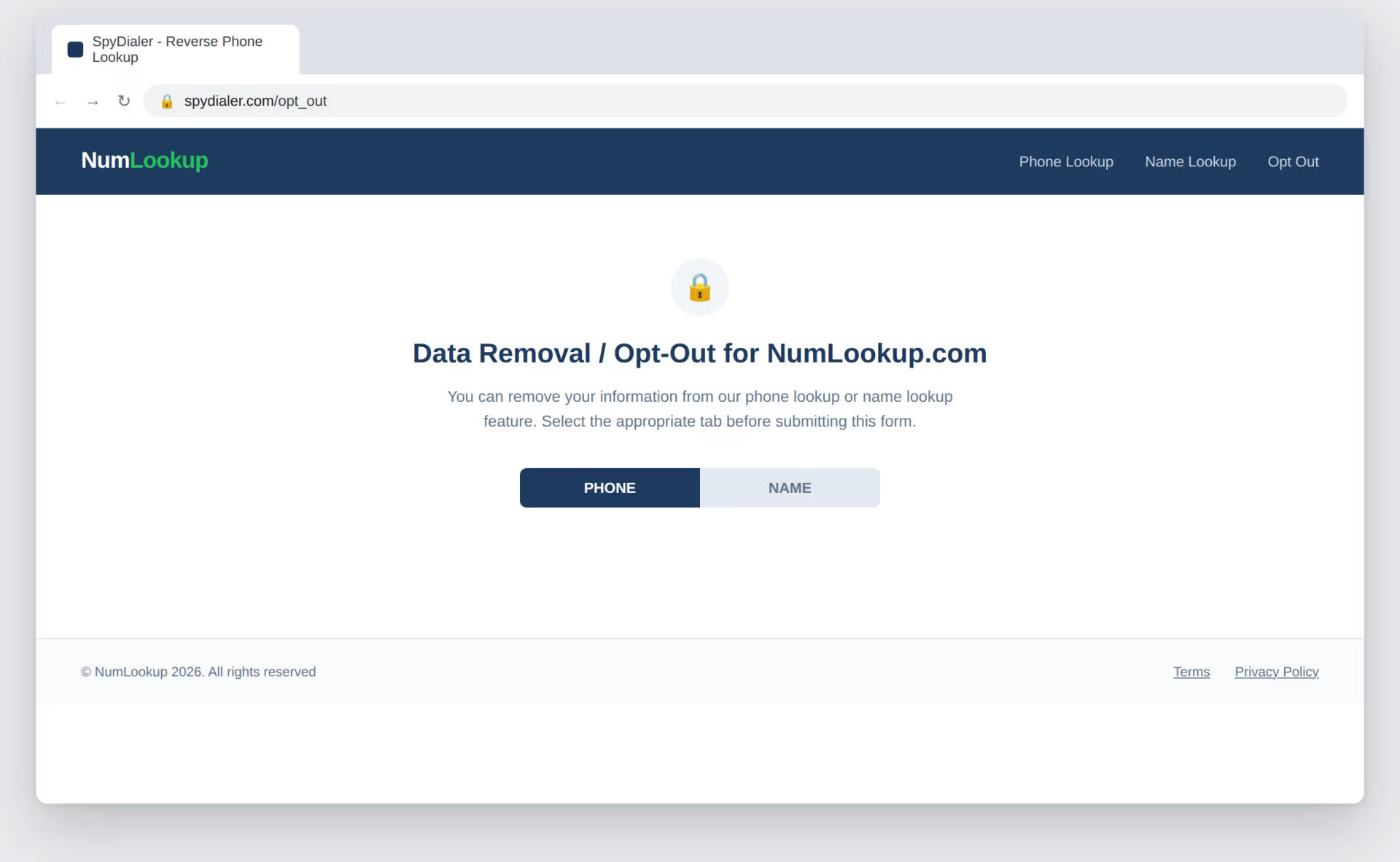
This locates whether a record exists in NumLookup's database.
Action
Input the phone number you want removed, complete the CAPTCHA, and click Remove My Info.
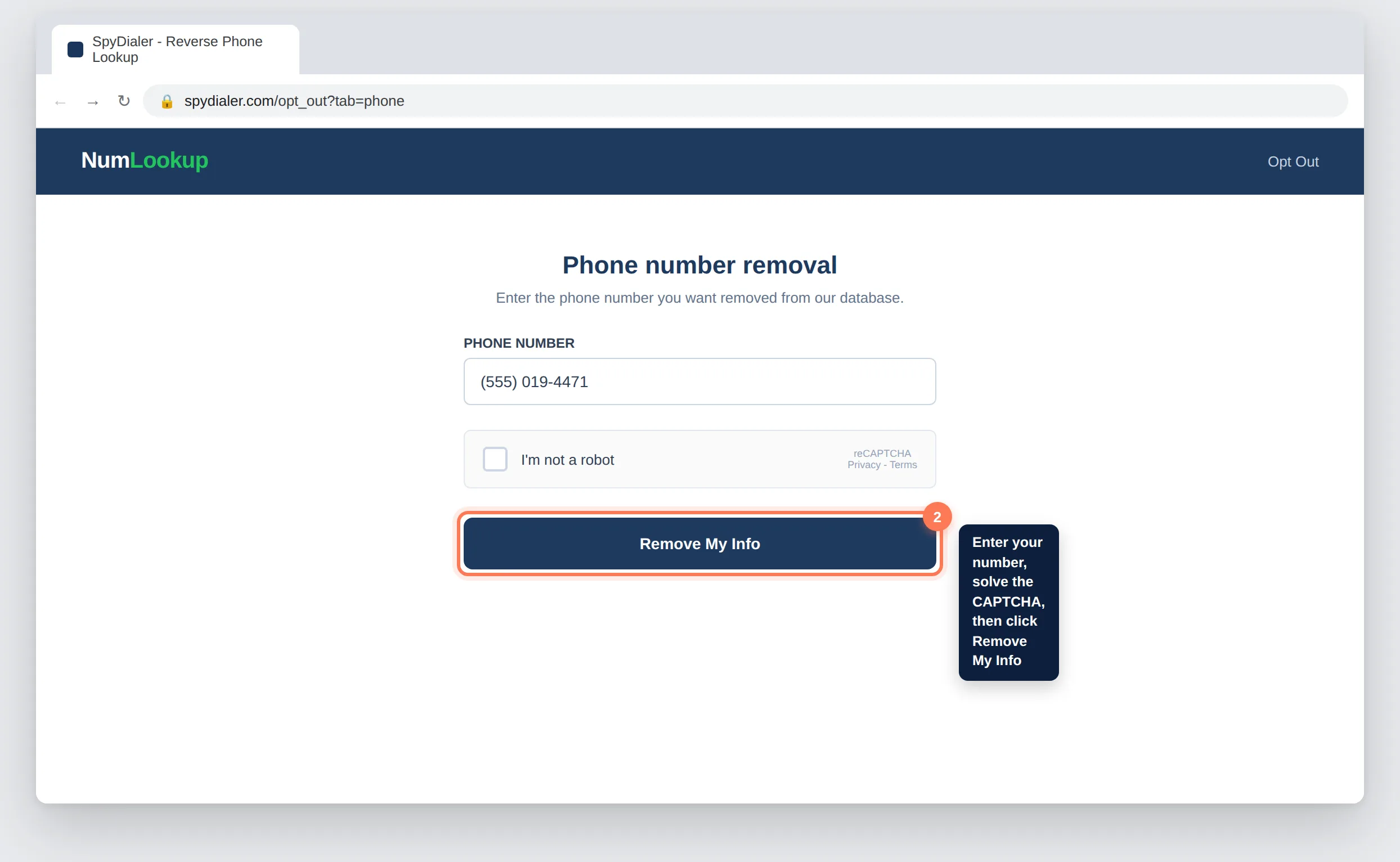
Automatic removal is limited, so a matched record requires a follow-up manual request.
Action
If a record is found, click Manually Submit Removal Request to open the detailed form.
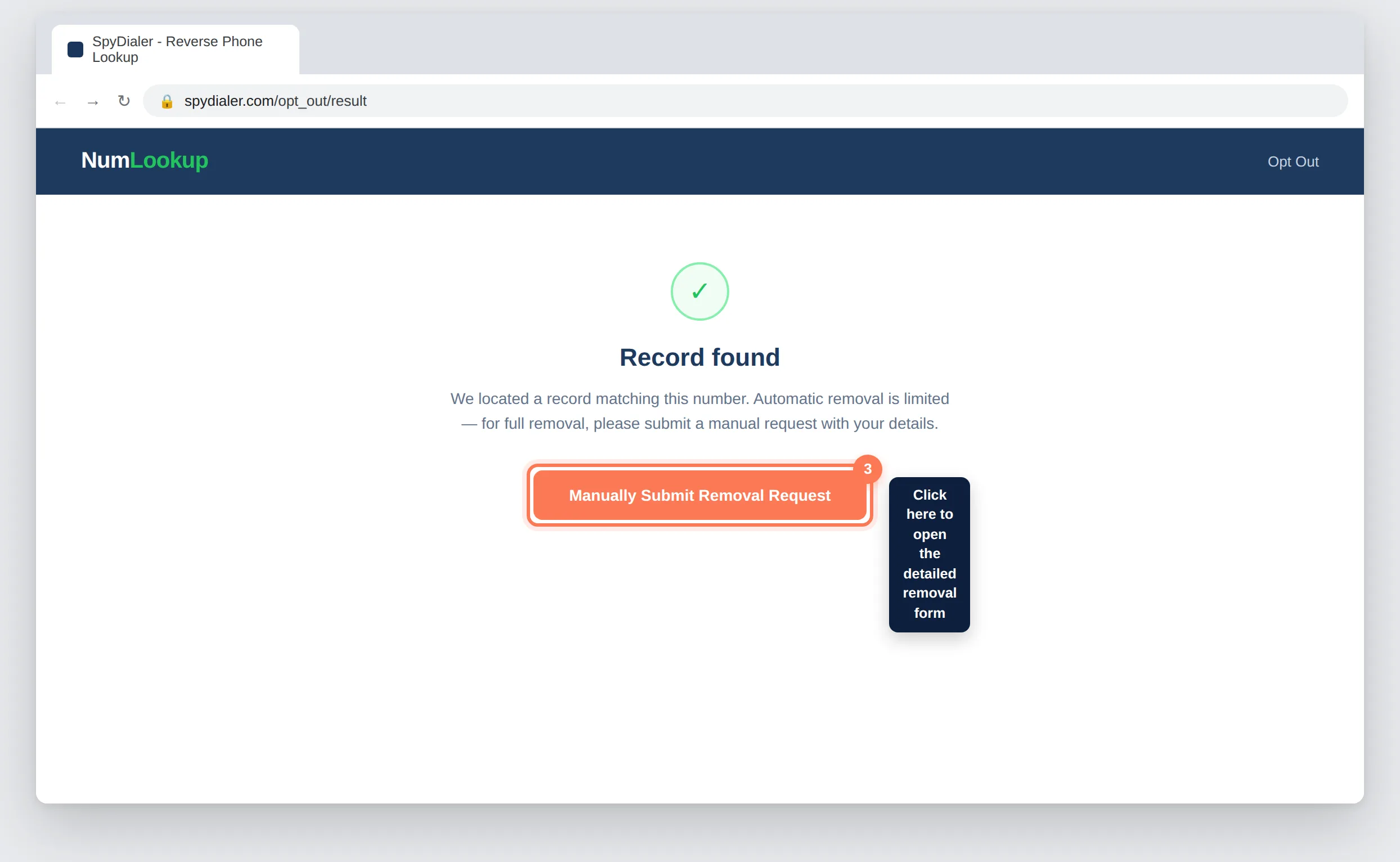
This detailed form is what NumLookup actually uses to process the removal.
Action
Enter your full name, a disposable email address, state, and phone number. For the subject, enter Remove My Info. For the description, write a short privacy request such as "Please remove my personal information for privacy reasons."
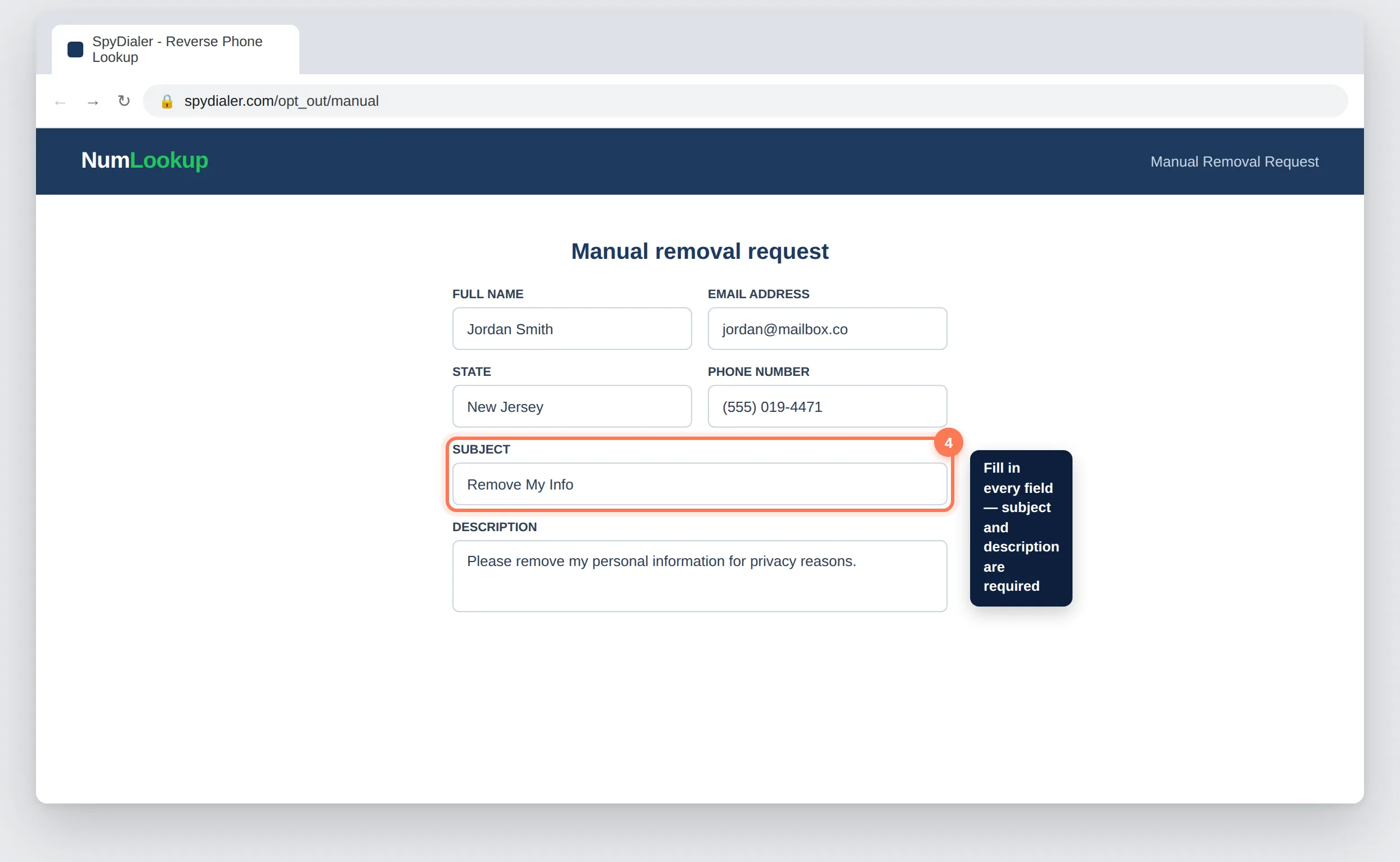
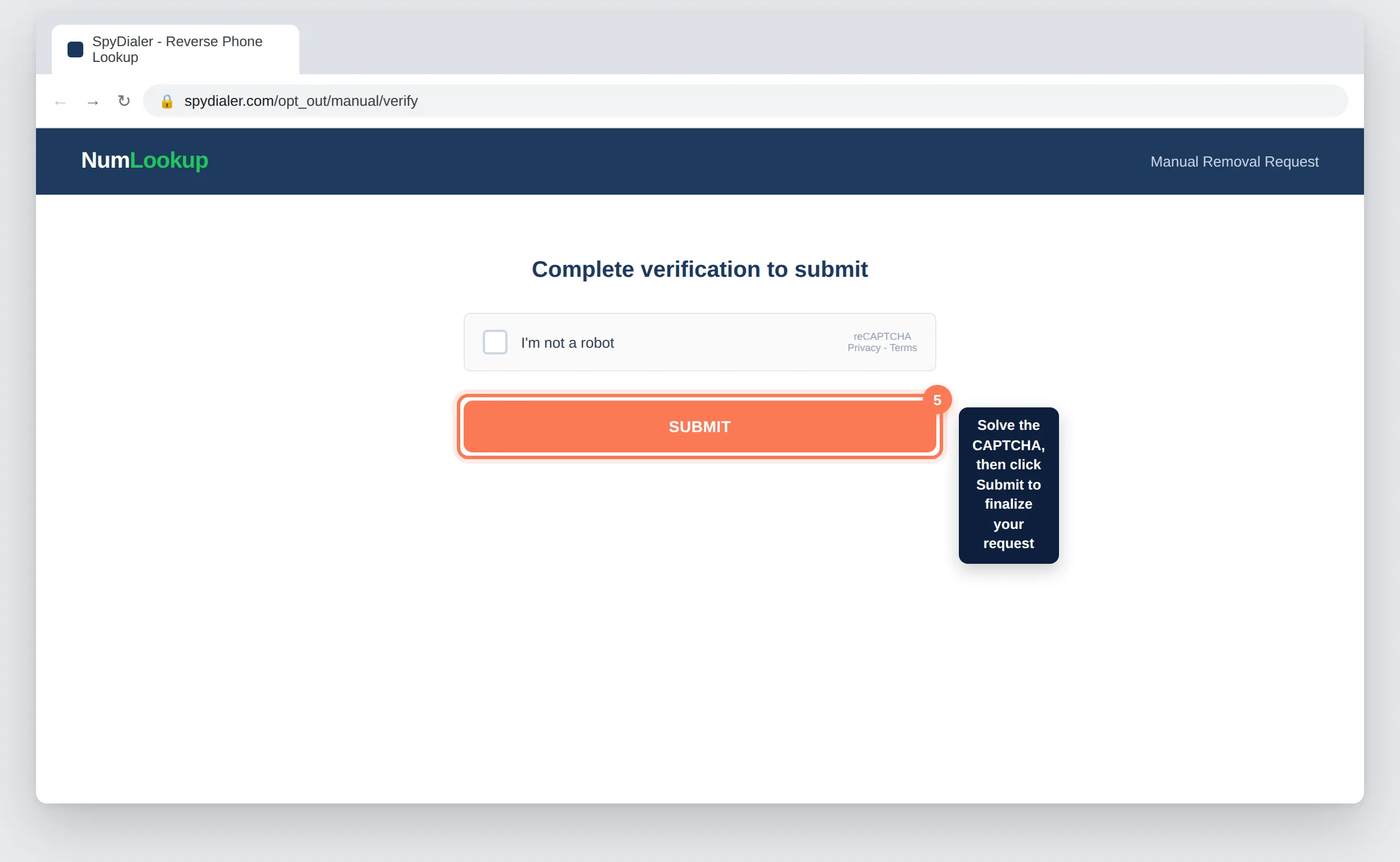
A second CAPTCHA finalizes the manual removal request.
Action
Solve the CAPTCHA and click Submit. Save any confirmation message shown, since NumLookup does not always send a follow-up email.
Processing can take significantly longer than most data brokers, so give it the full window before concluding something went wrong.
Action
Wait up to 45 days, then search numlookup.com again by phone number to confirm your listing no longer appears.
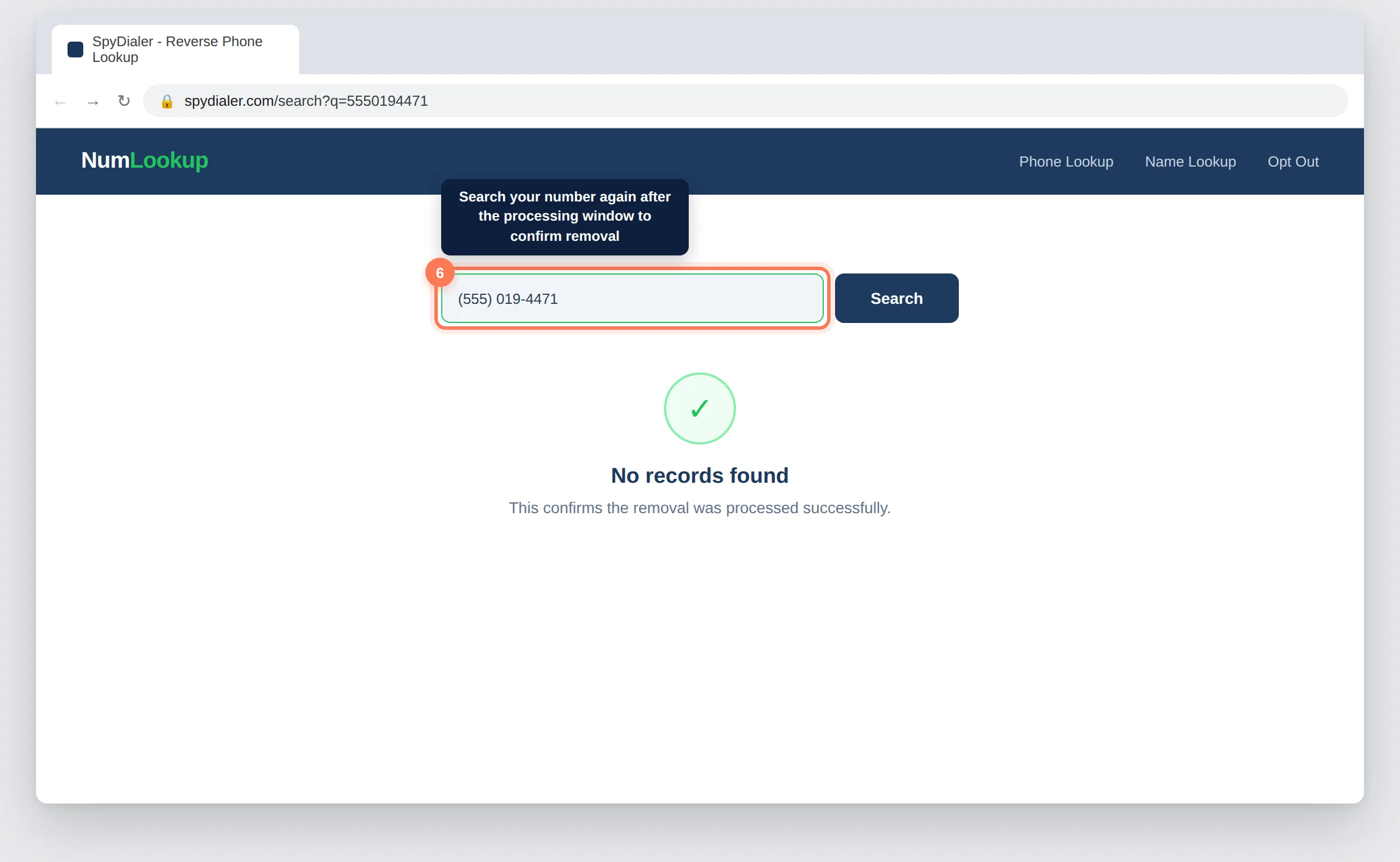
NumLookup.com can take up to 45 days to fully process a removal request. After that window, search the site again by phone number to confirm your listing is gone. If it still appears, resubmit the form or contact NumLookup support directly.
No. Submission is direct through the manual removal form. NumLookup.com does not send a confirmation email with a link to click, so there is no extra verification step after you submit the form.
The initial phone number search only checks whether a record exists. If NumLookup.com finds a matching listing, automatic removal is limited, so you need to submit the manual removal form with your full details for the request to be processed.
Yes, completely free. Never pay anyone claiming to remove you directly from NumLookup.com. The opt-out form at numlookup.com/opt_out costs nothing to use.
Yes. NumLookup.com draws from public records, telecom data, and other sources that refresh periodically, which can reinstate removed listings. Check the site every few months and resubmit the opt-out form if your record reappears.
Repeat the full opt-out process for each individual phone number. Each submission requires its own manual removal form since the site processes requests per number.
Resubmit the manual removal form, or contact NumLookup directly at [email protected] with your name, phone number, and the date of your original request.
Your manual removal request has been submitted to NumLookup.com. Processing can take up to 45 days.
There are 100+ major data brokers constantly re-publishing your personal information.
Manually removing yourself from all of them takes most people 200 to 300 hours – and you have to repeat the process every 1 to 3 months.
Protecting online reputations since 2019
View the Full Data Broker Library